

Smart Thermostat Installation in San Mateo, CA
Smart Thermostat Installation in San Mateo, CA delivers enhanced comfort and energy savings through remote control, scheduling, and adaptive learning. The service covers brand compatibility, wiring, heat pump and zoning support, and seamless integration with home assistants. A comprehensive installation process ensures proper mounting, power, and network setup, followed by onboarding and energy reporting to maximize efficiency. Local rebates, ongoing maintenance, and best practices help residents achieve reliable performance, climate control, and long-term cost reductions in San Mateo homes.
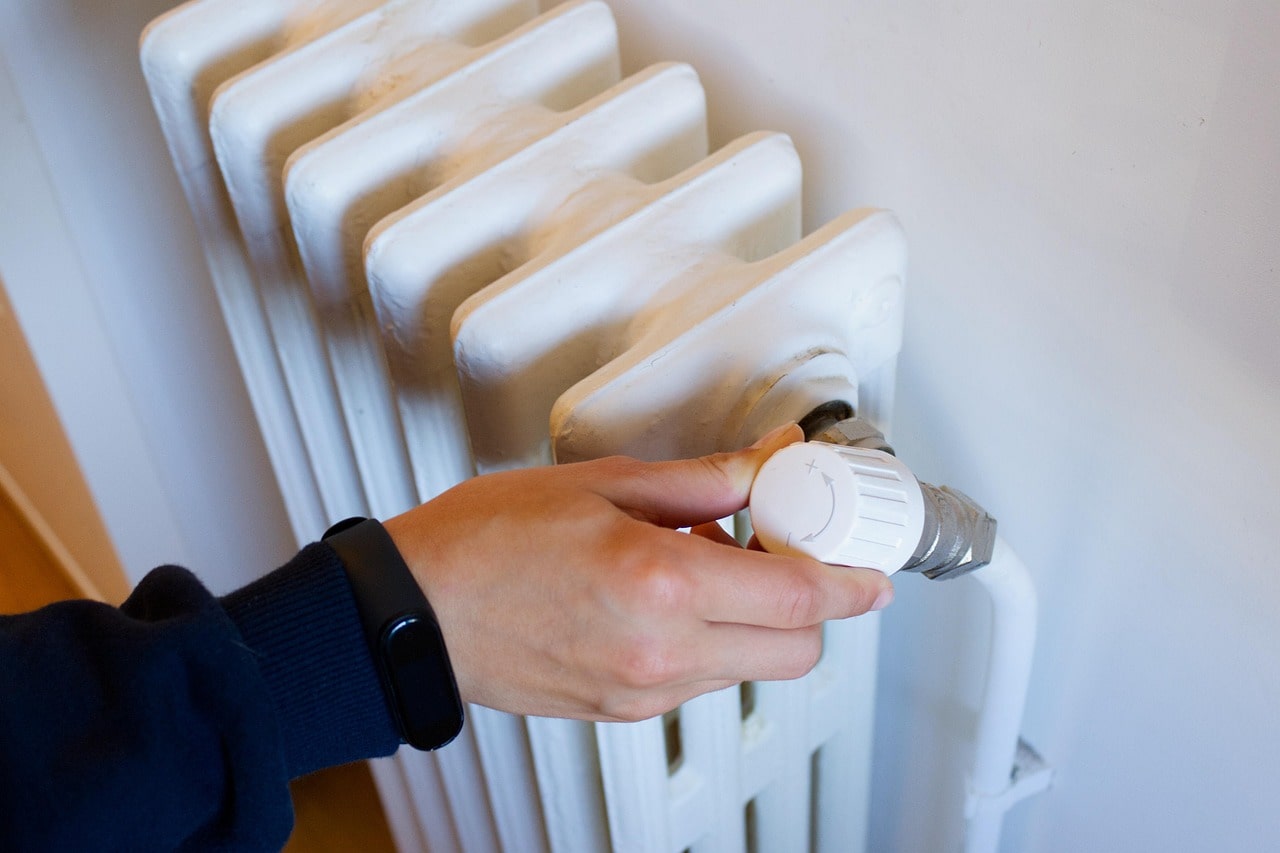
Smart Thermostat Installation in San Mateo, CA
Upgrading to a smart thermostat in San Mateo, CA is one of the most effective ways to improve comfort, reduce energy use, and gain remote control of your home climate. San Mateo’s mild but variable coastal climate benefits from smarter scheduling and precise control: foggy mornings, cool nights, and occasional heat spikes make automated temperature adjustments and learning schedules especially valuable for year round comfort and efficiency.
Why install a smart thermostat in San Mateo homes
- Remote control and convenience: Adjust temperature from your phone when returning from the Peninsula or staying late at the office. Remote access helps manage energy use while away.
- Scheduling and learning: Auto schedules and adaptive learning tailor heating and cooling to your household patterns, reducing runtime and costs without sacrificing comfort.
- Energy insights: Detailed reports show how and when energy is used, making it easier to spot inefficiencies and qualify for local rebates.
- Integration with other systems: Link thermostats to zoning, smart home hubs, and voice assistants for cohesive home automation that fits San Mateo lifestyles.
- Humidity and comfort management: Some models offer humidity sensing and smart fan control to handle coastal moisture and maintain indoor comfort.
Common smart thermostat issues in San Mateo and what causes them
- No Wi Fi connectivity or frequent dropouts: Older routers, 5 GHz only networks, or weak signals inside thicker walls can interrupt thermostat connections.
- Incompatible wiring: Missing common wire (C wire) or nonstandard HVAC control boards can prevent a thermostat from powering up or functioning reliably.
- Heat pump misconfiguration: If a heat pump is set up like a furnace/AC system, it can short cycle or engage emergency heat unnecessarily.
- Wrong sensor placement: Thermostats installed near sunlight, vents, or internal heat sources report inaccurate temperatures, causing overcooling or overheating.
- Zoning conflicts: Improperly coordinated dampers and thermostats can lead to rooms fighting each other, creating hot and cold spots.
Supported brands and models
Smart thermostat installation in San Mateo, CA commonly covers major brands and models, including:
- Google Nest Learning Thermostat and Nest Thermostat
- Ecobee SmartThermostat and Ecobee3/SmartSensor systems
- Honeywell Home T Series and Home thermostats
- Emerson Sensi and Sensi Touch
- Lux and other industry standard smart thermostats
Compatibility is broad but not universal. Professional assessment confirms model suitability for your specific HVAC equipment and desired smart home integrations.
Compatibility with heat pumps, furnaces, and central AC
- Gas and electric furnaces: Most smart thermostats support single-stage, multistage, and modulating furnaces. Multistage systems may require specific wiring or model support.
- Central air conditioning: Smart thermostats control single-stage and multistage systems; variable capacity systems should be checked for compatibility.
- Heat pumps: Require careful configuration for O/B reversing valve wiring, auxiliary heat, and correct staging to avoid emergency heat lockouts or short cycling.
- Dual fuel systems: Integration with electric heat pump and gas furnace combinations needs correct settings for outdoor temperature switching and staging.
- Zoned HVAC: Smart thermostats work with zoning panels and motorized dampers, but installations often require coordinating multiple thermostats and, in some cases, additional hardware.
Professional installation and Wi Fi setup process
- Compatibility assessment: Inspect your HVAC control board, identify wires (including C wire), and confirm model compatibility with heat pump, furnace, or zoning systems.
- Pre installation planning: Determine physical placement, check network signal strength, and note any smart home integration requirements (HomeKit, Alexa, Google Home, SmartThings).
- Wiring and power: Install or adapt a C wire if needed (options include using a C wire adapter or power extender). Label wires to match the thermostat terminals.
- Mounting and configuration: Mount the thermostat, connect wiring, and power up. Configure system type, fan control, heat pump reversing valve, and staging if applicable.
- Wi Fi and account setup: Connect thermostat to your 2.4 GHz or compatible network, create the account, and enable remote access. Confirm secure network settings and firmware updates.
- Testing and verification: Run heating and cooling cycles, verify correct operation on all stages, check zone coordination, and resolve any short cycling or communication issues.
- Demonstration and onboarding: Walk through the mobile app, show scheduling, away modes, learning features, and how to read energy reports. Set up voice assistants or home hubs if requested.
Integration with zoning and smart home systems
- Zoning: Coordinate multiple thermostats with dampers so each zone maintains independent schedules without causing system conflict. Address damper and control panel wiring during the assessment.
- Smart home platforms: Most smart thermostats can connect to Google Assistant, Amazon Alexa, SmartThings, and Home Assistant. Some support Apple HomeKit natively; others may need a bridge or specific model choice.
- Automation scenarios: Create presence-based temperature changes, link to smart locks or occupancy sensors, and use geofencing to maximize energy savings when the home is empty.
Demonstration, user onboarding, and energy reporting
A complete installation includes a guided walkthrough of the app and device features. You should be shown how to:
- Create and edit schedules, set temperature hold and vacation modes, and use temporary overrides.
- Interpret weekly and monthly energy reports to identify savings opportunities.
- Enable learning features and adjust sensitivity so the thermostat adapts to your preferences.
- Troubleshoot common alerts and perform basic resets.
Rebates and energy program information for San Mateo residents
San Mateo residents may qualify for local utility rebates and state energy efficiency incentives when installing approved smart thermostats. Programs are offered periodically by local utilities and regional energy efficiency initiatives. Documentation such as product model numbers, proof of installation, and serial numbers is often required for rebate applications. Check local utility and county energy program listings for current eligibility and application steps.
Maintenance and best practices
- Keep thermostat firmware up to date to receive performance and security improvements.
- Ensure strong Wi Fi coverage at the thermostat location; use a mesh system or extender if needed.
- Avoid placing thermostats near direct sunlight, vents, or heat-generating appliances.
- Replace HVAC filters regularly and maintain system components to support accurate temperature control.
- Review schedules seasonally and after travel patterns change to capture ongoing savings.
Smart Thermostat Installation in San Mateo, CA provides measurable comfort improvements and energy savings when properly selected and installed. A professional compatibility assessment, correct wiring, careful configuration for heat pumps or zoning, and user onboarding are the keys to a reliable, efficient smart thermostat experience that works with San Mateo homes and weather patterns.
hear what our satisfied clients have to say

.svg)
Service areas
.avif)