

Smart Thermostat Repair in Mountain View, CA
Plum HVAC provides professional smart thermostat repair services in Mountain View, CA, restoring reliable system control and energy savings. Our technicians diagnose and resolve common issues such as Wi-Fi connectivity drops, sensor calibration errors, missing C-wires, firmware glitches, and power faults. We handle both on-site and remote troubleshooting, performing repairs efficiently while advising when replacement may be the more cost-effective option. Plum HVAC also manages data backup, provides clear repair timelines, supports warranty considerations, and offers practical tips to prevent future issues—ensuring smart thermostats in Mountain View homes operate smoothly and reliably year-round.
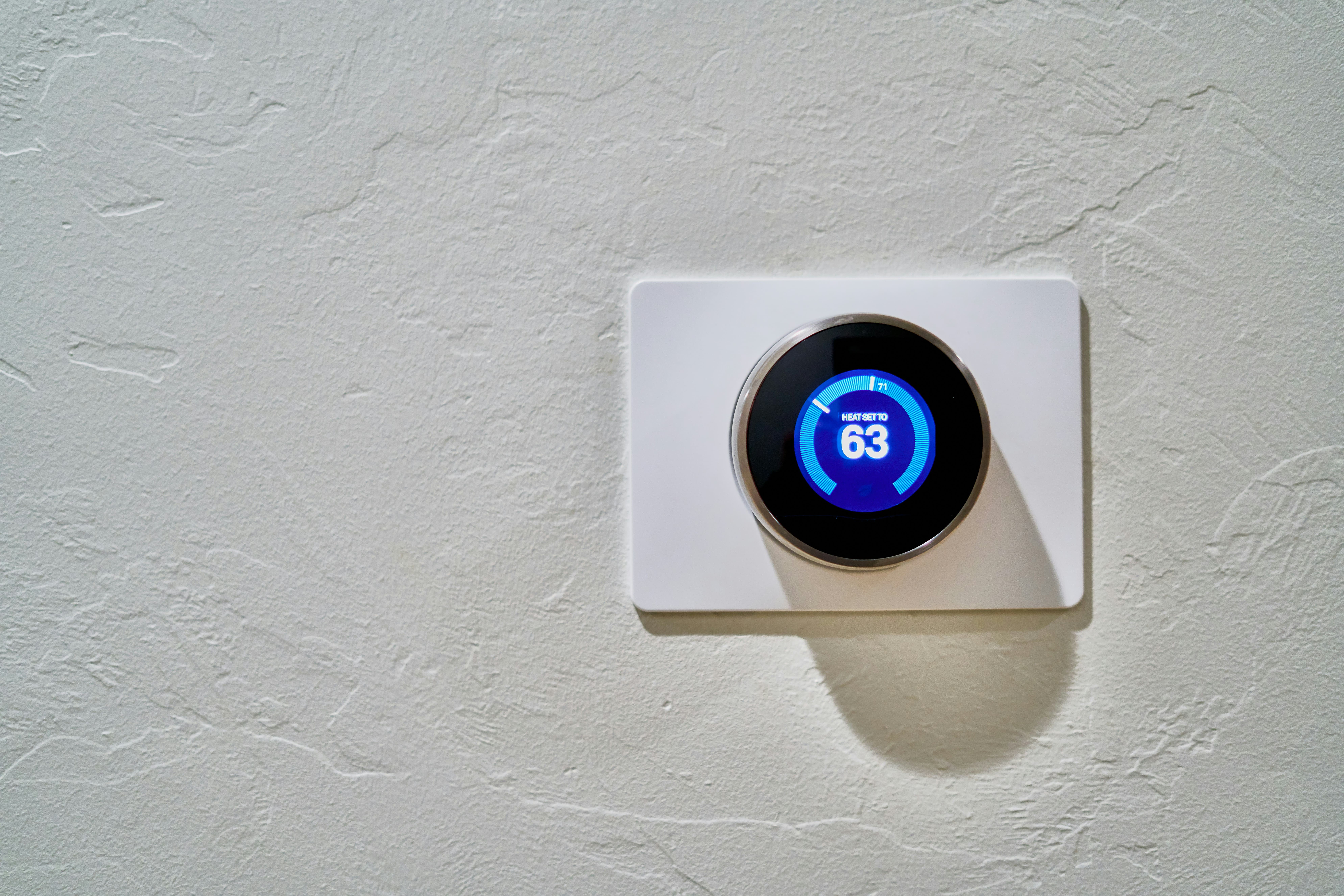
Smart Thermostat Repair in Mountain View, CA
Smart thermostats deliver convenience and energy savings for Mountain View homes, but when they malfunction, comfort is disrupted, schedules are interrupted, and efficiency suffers. Plum HVAC provides professional smart thermostat repair services to quickly restore reliable operation. Our technicians identify common issues—such as connectivity problems, calibration errors, and firmware glitches—using on-site or remote diagnostics, perform effective repairs, and advise when replacement is the more practical solution. We also provide guidance to protect your system and prevent future failures, keeping your home comfortable and energy-efficient year-round.
Why timely smart thermostat repair matters in Mountain View
Mountain View residents often rely on smart thermostats to manage central HVAC systems, heat pumps, and multi-zone setups. Local factors—like mild but occasionally hot summers, coastal fog that can affect Wi-Fi signal strength near the bay, and dense neighborhoods with many overlapping wireless networks—mean connectivity and integration issues are common. Prompt repair restores comfort, preserves energy savings from your thermostat’s learning and scheduling features, and reduces wear on HVAC equipment.
Common smart thermostat issues in Mountain View homes
- Connectivity problems: Dropped Wi-Fi, failed cloud connections, issues with bridges or hubs.
- Sensor and calibration errors: Wrong temperature readings from internal or remote sensors causing incorrect cycling.
- Wiring and power faults: Missing C-wire in older homes, loose connections, or damaged HVAC control wiring.
- Firmware and app/software bugs: Failed updates, corrupted settings, or compatibility issues with mobile apps and voice assistants.
- Battery or power delivery failures: Thermostats that cycle off due to low batteries or insufficient power from the HVAC control board.
- Hardware damage: Cracked displays, faulty relays, or internal component failure after power events.
- Integration conflicts: Multiple smart home platforms or account mismatches causing scheduling or automation failures.
Diagnostics: how technicians identify the root cause
Diagnostics follow a logical, documented process that isolates the problem quickly and safely.
Connectivity checks
- Verify local Wi-Fi strength and SSID visibility at the thermostat.
- Test cloud account login and server status.
- Check for interference from nearby networks and mesh node placement common in Mountain View homes.
Sensor and software checks
- Compare thermostat temperature against a calibrated handheld thermometer or remote sensors.
- Inspect schedule logic, geofencing, and automation rules that can override normal operation.
- Review firmware version and recent update logs for signs of failed installs.
Wiring and power tests
- Inspect terminal wiring at the thermostat and HVAC control board for loose or corroded connections.
- Measure voltage at the C-wire and other control terminals to confirm stable 24VAC power.
- Test for common wiring problems in older Mountain View houses where a C-wire may not be present.
Hardware evaluation
- Run self-diagnostic tests available in the thermostat UI.
- Check internal relays and display functionality for physical faults.
- Assess for heat or water damage especially in older installations.
Typical fixes versus replacement recommendations
Common fixes
- Re-establishing Wi-Fi connectivity, re-pairing to cloud accounts or hubs.
- Recalibrating or replacing remote sensors.
- Re-securing or repairing thermostat wiring and adding a C-wire adapter when appropriate.
- Rolling back or reapplying firmware updates, reinstalling the mobile app, and clearing corrupted schedules.
- Replacing batteries or installing a power extender kit to stabilize power.
When replacement is recommended
- Repeated hardware failures (failed relays, burned components) after repair attempts.
- Thermostat models that are no longer supported with firmware updates or security patches.
- Incompatibility with modern HVAC equipment (for example, complex multi-stage systems or certain heat pump controls).
- Significant physical damage to the control board or display where repair costs would approach the price of a new unit.
On-site versus remote support: what to expect
Remote support
- Ideal for connectivity and account issues, firmware troubleshooting, and initial diagnostics.
- Technician guides through network checks, firmware rollbacks, or cloud reconfiguration.
- Can often restore operation within 15 to 45 minutes for software/network problems.
On-site service
- Required for wiring, power measurements, sensor replacement, and hardware diagnostics.
- Technician inspects the thermostat and HVAC control board, performs voltage tests, secures terminals, and makes wiring corrections or additions.
- On-site visits are necessary to physically add a C-wire, replace relays, or complete complex integrations.
Data and settings backup/restoration
Backing up thermostat settings protects schedules, preferences, and energy history.
- Most smart thermostats sync settings to a cloud account; confirm that account sync is active before any repair.
- If cloud backup is not available, record schedules and settings manually or export configurations if the device supports it.
- During repairs involving firmware resets or replacement, restore settings from cloud backups or reapply saved configurations to minimize disruption.
Estimated repair times
- Connectivity and software fixes: 15 to 60 minutes remotely.
- Sensor recalibration or replacement: 30 to 90 minutes on site.
- Wiring repairs and C-wire installation: 45 minutes to 2 hours depending on access to the HVAC control board and routing needed.
- Full hardware replacement and reconfiguration: 60 to 180 minutes including system compatibility checks and settings restoration.
Actual times depend on system complexity, multi-zone setups, and the presence of legacy wiring in older Mountain View homes.
Warranty and support policies (what to look for)
- Parts versus labor: Typical arrangements separate manufacturer parts warranties from installer labor coverage.
- Firmware and software support: Check whether the thermostat model receives ongoing security and feature updates.
- Post-repair support window: Many repair engagements include a limited warranty on parts and labor; confirm length and what is covered (e.g., replaced components, rework).
- Documentation: Ensure diagnostic steps and any wiring changes are recorded for future reference and warranty claims.
Preventing future issues — practical tips for Mountain View homeowners
- Keep firmware and mobile apps up to date to receive stability and security fixes.
- Ensure stable Wi-Fi at the thermostat: place mesh nodes strategically and avoid placing the thermostat near large metal objects or inside enclosed cabinetry.
- Add a proper C-wire or power extender if the thermostat dips power frequently.
- Use surge protection for HVAC systems and consider battery backup for frequent power fluctuations.
- Schedule HVAC maintenance seasonally so the control board and relays are inspected and cleaned.
- Limit overlapping smart home automations that can create conflicting commands for the thermostat.
- Backup settings to the cloud and periodically verify account access credentials.
Final notes
Smart thermostat repair in Mountain View, CA focuses on restoring reliable control, preserving energy savings, and protecting HVAC equipment. With targeted diagnostics for connectivity, sensors, wiring, and software, most issues are repairable. When hardware is obsolete or repeatedly failing, replacement often provides better long-term reliability and improved features. Proper backup, preventive maintenance, and local-aware installation choices reduce future service needs and keep your smart thermostat performing as intended.
hear what our satisfied clients have to say

.svg)
Service areas
.avif)