

Thermostat Installation in Newark, CA
Thermostat installation in Newark, CA is presented as a comprehensive guide for choosing, wiring, and calibrating a new thermostat. The page covers basic programmable versus advanced digital models, common installation pitfalls, and essential compatibility checks, including C-wire presence and voltage requirements. It provides a step-by-step installation sequence, calibration tips, and post-installation testing, plus guidance on smart features, remote access, energy reporting, and warranty documentation. The goal is a precise, energy-efficient setup tailored to Newark’s variable climate.
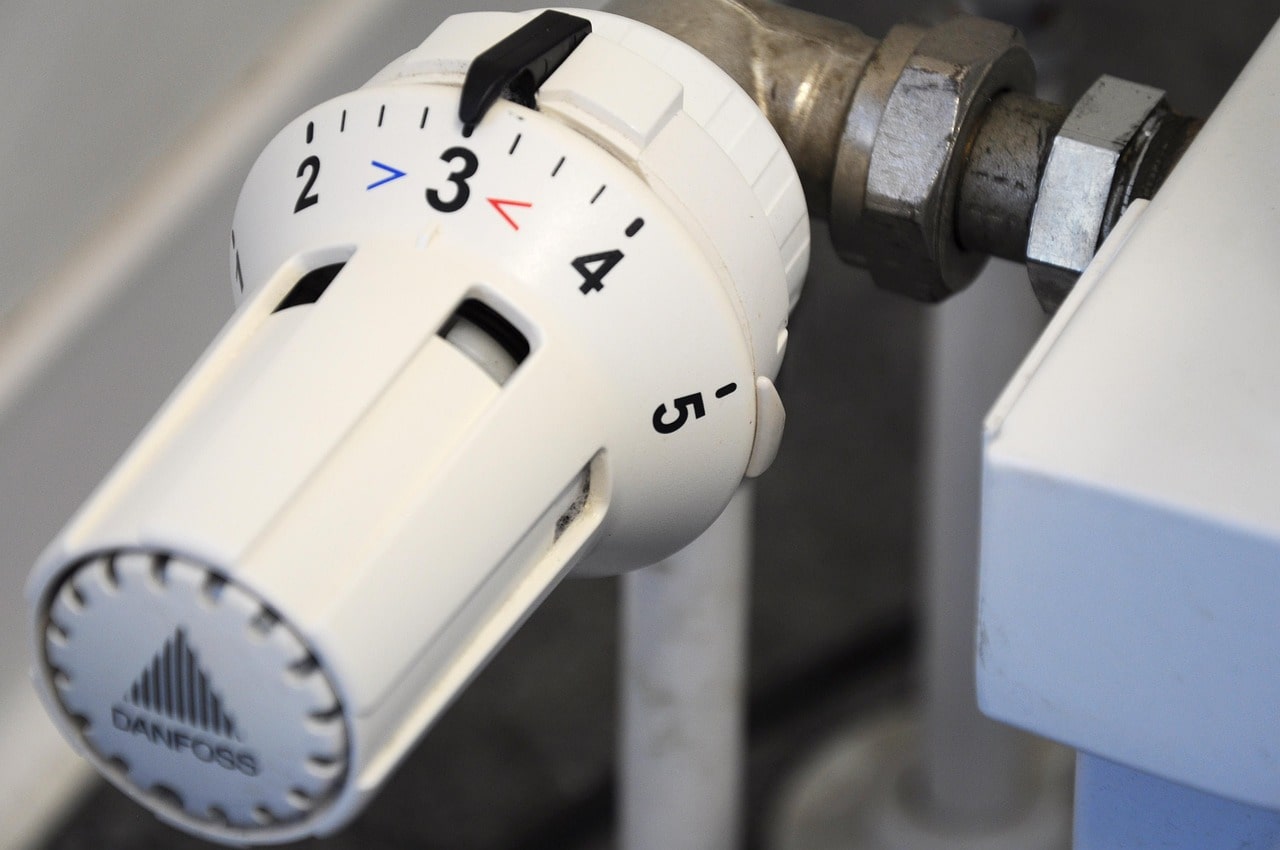
Thermostat Installation in Newark, CA
A properly installed thermostat is the simplest upgrade that improves comfort, reduces energy use, and prevents wear on your HVAC equipment. For homeowners in Newark, CA, where Bay Area microclimates can swing from cool marine mornings to hot inland afternoons, precise temperature control matters. This page explains thermostat installation services in Newark, CA, covering the choice between basic programmable and advanced digital models, wiring and placement best practices, compatibility checks, step by step installation and calibration, user setup guidance, and warranty considerations so you can make an informed, decision-stage choice.
Why thermostat installation matters in Newark, CA
Newark homes face variable weather patterns and rising energy costs, so the right thermostat helps:
- Maintain consistent comfort as temperatures change throughout the day.
- Reduce energy consumption with programmable setbacks or smart schedules.
- Improve HVAC efficiency and extend equipment life by avoiding short cycling.
- Provide remote control and energy reporting for smarter usage during heat spikes.
Types of thermostats: basic programmable vs advanced digital
Choose a thermostat that matches your goals and system complexity.
- Basic programmable thermostats
- Simple 7-day or 5-2 scheduling.
- Lower upfront cost.
- Good for users who want basic setback control and manual operation.
- Advanced digital and smart thermostats
- Wi-Fi connectivity, app control, and learning algorithms.
- Geofencing, adaptive recovery, usage reports, and integration with smart home platforms.
- Better for multi-occupant homes or anyone who wants remote control and energy optimization.
- Specialized models
- Heat pump-specific thermostats with emergency heat controls.
- Multi-stage thermostats for 2-stage compressors or variable-speed systems.
- Line-voltage thermostats for baseboard electric heat (different installation requirements).
Common thermostat installation issues in Newark, CA
- Missing or inadequate C-wire (common) for powering smart thermostats.
- Misidentified system type (heat pump vs conventional) causing incorrect control behavior.
- Poor thermostat placement near windows, doors, or vents leading to inaccurate readings.
- Old wiring or incompatible voltage (millivolt or line-voltage systems require different devices).
- Multiple zone or legacy zone controls that need coordination with new thermostat electronics.
Compatibility checks before installation
A thorough pre-installation evaluation prevents mismatches and service callbacks:
- Identify your HVAC system: single-stage, multi-stage, heat pump, forced air, or baseboard electric.
- Check control voltage: most modern thermostats expect 24V low-voltage systems. Millivolt and line-voltage systems need special thermostats.
- Confirm presence of a C-wire. If none, evaluate alternatives: install a C-wire, use a power adapter, or select a thermostat that can run without a C-wire but with limitations.
- Verify zoning and multiple thermostats. Zoned systems require coordination with dampers and the zone control board.
- Inspect existing wiring for brittle insulation, insufficient wire count, or corrosion that may require replacement.
Wiring and placement considerations
- Ideal placement: interior wall on a central level of the home, away from direct sunlight, doors, windows, kitchen appliances, and air vents. Height of about 48 to 60 inches is typical.
- Avoid drafty hallways, exterior-facing walls, and areas affected by radiant heat from nearby appliances.
- Label each wire during removal and take a photo to confirm connections.
- Use appropriate wire gauge and connectors; replace frayed or corroded wiring.
- For heat pump systems, confirm wiring for O/B reversing valve, aux/emergency heat, and compressor staging.
Step-by-step installation and calibration
- Turn power off at the breaker to the HVAC system to ensure safety.
- Remove the old thermostat cover and label each wire with its terminal letter or color.
- Take a clear photo of the existing wiring for reference.
- Detach wires and remove the old mounting plate.
- Mount the new thermostat base level on the wall, pulling wires through the base hole.
- Strip and secure wires on the corresponding terminals per the new thermostat instructions. Tighten terminal screws evenly.
- Install any required accessories such as a C-wire adapter or jumper if needed by the new model.
- Attach the thermostat display or cover, restore power at the breaker, and perform initial power-up.
- Configure the thermostat for the correct system type (furnace/AC or heat pump), number of stages, and fan control.
- Calibrate temperature offset if the thermostat reads slightly different than a reference thermometer.
- Test system operation: call for heat, call for cool, and verify the fan and stages operate correctly. For heat pumps, test emergency heat function.
- For smart thermostats, connect to Wi-Fi, register the device, and apply any firmware updates.
User setup guidance and tips for Newark homeowners
- Scheduling: Use weekday/weekend or 7-day programming to match household occupancy and nighttime setbacks to save energy.
- Smart features: Enable geofencing and adaptive recovery to minimize running times during Newark heat spikes while ensuring rooms are comfortable when occupied.
- Temperature ranges: For balance between comfort and savings, set heating setbacks of 4 to 7 degrees and cooling setbacks of 4 degrees when away.
- Alerts and maintenance: Configure the thermostat to send filter change reminders and fault alerts so minor issues are caught early.
- Integration: If using multi-zone systems or smart home platforms, verify each thermostat’s role to avoid conflicts with existing automation.
- Energy reporting: Review weekly or monthly energy reports to identify opportunities for additional savings and system tuning.
Calibration, testing, and follow-up checks
- Recheck thermostat temperature against an accurate thermometer in the same room.
- Monitor the system for 24 to 48 hours to confirm proper cycling and temperatures throughout the day.
- Verify Wi-Fi connectivity and app control stability if using a smart model.
- For homes with frequent Bay Area temperature swings, consider pushing firmware updates and occasionally rechecking setback schedules seasonally.
Warranty and documentation
- Manufacturer warranties typically cover defects in materials and workmanship for the thermostat itself; duration varies by brand.
- Installation work may carry a labor warranty separate from the device warranty, covering improper wiring or setup for a defined period.
- Keep documentation: a picture of final wire terminations, a copy of system configuration settings, and warranty registration information in a safe place.
- Note any changes to HVAC controls in your home maintenance records to help future service technicians understand modifications.
ConclusionProper thermostat installation in Newark, CA means more accurate temperature control, reduced energy use, and extended HVAC life. Evaluating compatibility, choosing the right model for your system and lifestyle, ensuring correct wiring and placement, and completing careful calibration are all essential steps. With the right installation and setup, your thermostat will be a reliable, energy-saving hub that handles Newark’s variable microclimates with ease.
hear what our satisfied clients have to say

.svg)
Service areas
.avif)