

Smart Thermostat Repair in Los Gatos, CA
Comprehensive smart thermostat repair for Los Gatos homes focuses on diagnosing common failure modes and deciding between repair and replacement. Technicians perform on-site evaluations of power, wiring, connectivity, and sensor accuracy, with timelines ranging from quick diagnostics to complete unit replacement. The process restores scheduling and remote access, re-establishes cloud connections, and confirms HVAC responsiveness. Homeowners also receive preventive tips for maintaining stable power, keeping firmware updated, and ensuring strong Wi-Fi to maximize thermostat life and reliability.
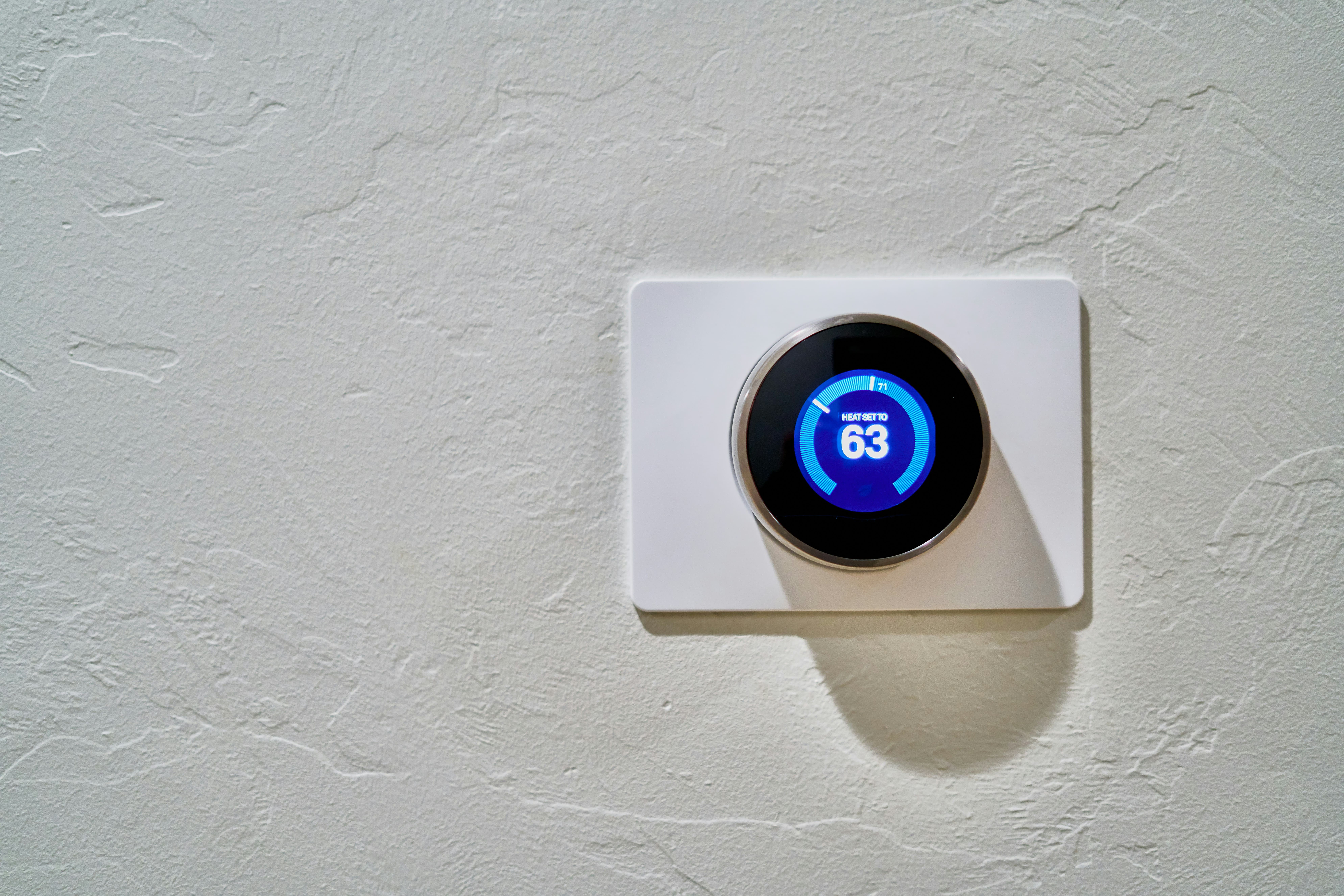
Smart Thermostat Repair in Los Gatos, CA
Smart thermostats are central to home comfort and energy savings in Los Gatos, CA. When they fail to hold schedules, lose Wi-Fi, or give incorrect temperature readings, the result is wasted energy, inconsistent comfort, and frustration. This page explains how smart thermostat repair works for Los Gatos homes, common local issues, what a professional diagnosis covers, repair options vs replacement, realistic repair timelines, how scheduling and remote access are restored, and preventative steps to avoid repeat problems.
Why timely smart thermostat repair matters for Los Gatos homes
Los Gatos has a Mediterranean climate with mild winters and warm summers. Many homes rely on efficient cooling more than heavy heating, and homeowners prioritize energy savings and remote control to manage HVAC use while away. Additionally, wildfire smoke and occasional poor air quality make reliable HVAC control and integration with air quality monitoring important. A malfunctioning smart thermostat can lead to higher utility use, reduced indoor air comfort, and loss of features like geofencing or air-quality-based ventilation control.
Common smart thermostat issues in Los Gatos
Most smart thermostat problems fall into a few predictable categories. Identifying the category helps determine whether a repair, component replacement, or full unit swap is needed.
- Connectivity and app problems
- Intermittent or lost Wi-Fi, failed cloud sync, or login issues with the thermostat app.
- Sensor and temperature inaccuracies
- Thermostat reads incorrect room temperature, short-cycling, or inconsistent comfort between rooms.
- Wiring and power problems
- No power, frequent reboots, dead display, or reliance on batteries due to missing or weak C-wire.
- Firmware and software faults
- Failed updates, corrupted firmware, or feature regressions after an update.
- Component failures
- Faulty relay, internal circuit board damage, or worn buttons and displays.
- Compatibility and HVAC control issues
- Incorrect stage control for heat pumps, improper fan control, or equipment damage warnings.
Diagnostic process - what a professional checks
A thorough diagnosis isolates whether the issue is with the thermostat, the home network, or the HVAC system.
- Visual and functional inspection of the thermostat and display.
- Confirm power source: check for C-wire or power adapter voltage and transformer output.
- Verify wiring labels and terminal connections against the HVAC control board.
- Test Wi-Fi signal strength and router settings; reproduce app/cloud login.
- Run firmware integrity checks and attempt safe firmware rollback or update.
- Temperature sensor tests and comparison with a calibrated thermometer.
- Verify HVAC equipment response to direct inputs at the furnace or air handler.
- Log error codes and event history to identify intermittent faults.
Most diagnostics are completed on-site during a single visit unless part replacement or specialized testing is required.
Repair solutions: component replacement vs full unit replacement
Choosing repair versus replacement depends on the root cause and the age of the thermostat.
- Repairs and part-level fixes
- Rewiring or adding a C-wire, replacing internal fuses or relays, repairing loose terminals, replacing a faulty sensor, or restoring corrupted firmware. These are common when the HVAC system is sound and the thermostat is a recent model.
- Software fixes
- Rolling back or reinstalling firmware, restoring cloud connections, and reconfiguring schedules or integrations.
- Full unit replacement
- Recommended when the thermostat has extensive circuit damage, is several generations old and incompatible with newer HVAC systems, or when recurring failures suggest degraded hardware. Replacement can also be sensible when modern features like air quality integration or advanced zoning control are desired.
Expected repair timelines
Timelines vary by issue complexity and parts availability.
- Basic diagnostics and minor software fixes: typically completed within 30 to 90 minutes.
- Wiring work (adding a C-wire or securing terminals): commonly a few hours on-site.
- Component replacement (sensor, relay, small parts): often resolved the same day if parts are on hand.
- Firmware-related recovery: minutes to a couple of hours depending on backups and rollback needs.
- Full replacement or advanced compatibility upgrades: half a day to a full day on-site; shipping delays for specialty thermostats can extend the timeline by several days.
Repair time can be affected by factors common in Los Gatos homes, such as older HVAC systems that require adapter modules, or multi-zone systems that need additional configuration.
Restoring reliable scheduling and remote access
Restoring schedules and remote features requires both hardware stability and correct cloud/app configuration. Common steps professionals take include:
- Confirm thermostat has stable power and HVAC responds correctly to manual commands.
- Update or reinstall thermostat firmware to the latest stable release.
- Reconnect the thermostat to the home Wi-Fi and verify router settings - prioritize 2.4 GHz for older devices, confirm network password and firewall do not block connections.
- Re-authenticate the thermostat with the cloud service and test remote control from the app.
- Recreate or import schedules, verifying time zone and geolocation settings for geofencing.
- Test integrations such as smart home platforms, air quality monitors, or voice assistants.
- Run a full system cycle to confirm scheduled events, vacation modes, and temporary overrides function correctly.
Documentation of restored settings and any changes to wiring or firmware ensures predictable future behavior.
Preventative maintenance tips for Los Gatos homeowners
Small proactive steps extend thermostat life and reliability:
- Ensure a stable C-wire or use a compatible power adapter to avoid battery reliance and random resets.
- Keep thermostat firmware up to date, but apply updates during periods where a temporary disruption is manageable.
- Place the thermostat away from direct sunlight, drafts, or heat sources to avoid false readings.
- Maintain robust Wi-Fi coverage near the thermostat; consider a mesh node if signal is weak.
- Change batteries annually if the model uses them, and check terminals for corrosion.
- Schedule regular HVAC maintenance so the thermostat is not compensating for equipment faults.
- During wildfire season or poor air quality days, verify thermostat-based ventilation settings and filter status to protect indoor air quality.
Final note - what to expect after repair
After repairs, expect restored remote control, reliable scheduling, and improved energy performance when the thermostat and HVAC system are functioning together. For Los Gatos homes where efficient cooling and air quality control matter, aligning thermostat settings with local climate patterns and seasonal schedules will maximize comfort and savings while reducing unnecessary HVAC runtime. Regular checks and firmware hygiene will keep your smart thermostat operating reliably over the long term.
hear what our satisfied clients have to say

.svg)
Service areas
.avif)