

Smart Thermostat Installation in Los Altos, CA
Smart thermostat installation in Los Altos, CA delivers precise climate control, energy savings, and seamless smart-home integration. This guide outlines compatibility checks, the installation and setup process, zoning considerations, rebates, and training to maximize comfort and efficiency. It emphasizes choosing models suitable for heat pumps or conventional systems, performing pre-install assessments, and using remote access features. The result is reliable, user-friendly control that improves comfort and reduces energy use for California homes. Designed for quick, clean installation and long-term gains.
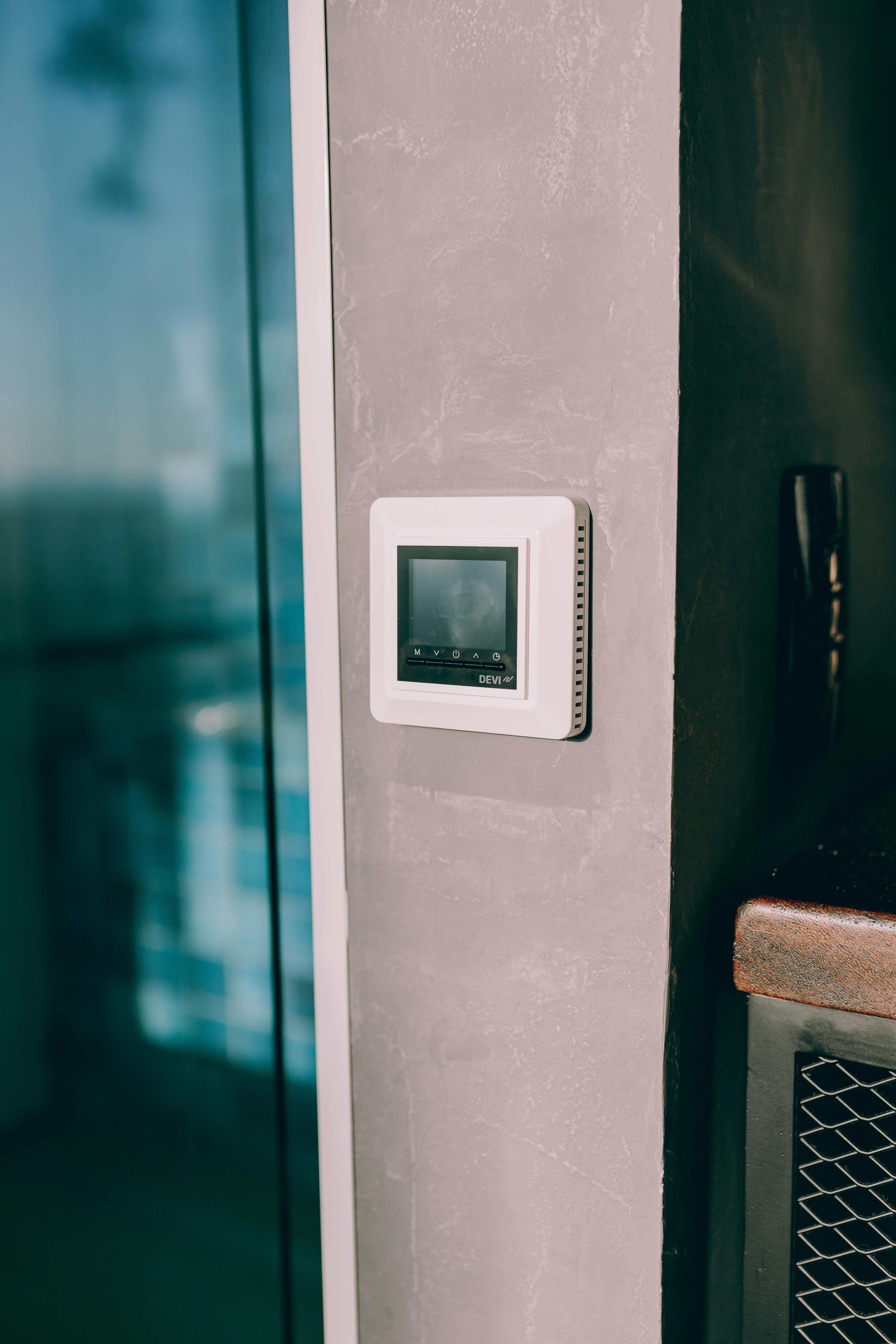
Smart Thermostat Installation in Los Altos, CA
Smart thermostat installation in Los Altos, CA brings immediate comfort, stronger temperature control, and measurable energy savings for local homes. With Los Altos’ mild Mediterranean climate and occasional summer heat spikes, a smart thermostat helps balance cooling needs and heating efficiency while taking advantage of time-of-use rates and utility program incentives common across California. This page explains options, compatibility checks, the installation and setup process, integration with zoning and smart-home systems, rebate considerations, and user training so you can make an informed decision.
Why a smart thermostat matters in Los Altos homes
- Energy savings and reporting: Smart thermostats track usage and provide actionable energy reports that are especially useful with California’s higher energy costs.
- Remote access and convenience: Control temperature from your phone when leaving or returning from work, travel, or weekend trips to nearby Bay Area destinations.
- Adaptive comfort: Learning schedules, occupancy sensing, and remote sensors tailor heating and cooling to occupied rooms—helpful in multi-level Los Altos homes that experience temperature differences.
- Utility program compatibility: Many smart thermostats can participate in demand response or rebate programs that help reduce peak-time consumption.
Common smart thermostat issues in Los Altos and what to look for
- No common (C) wire in older homes, preventing power to the thermostat.
- Complex HVAC setups: heat pumps, multi-stage systems, or hydronic heating require compatible thermostat models.
- Zoning systems with multiple dampers or zone controllers needing coordinated integration.
- Weak Wi-Fi in certain parts of the house, hindering remote control and cloud features.
- Sensor placement and false readings from direct sunlight, appliances, or external walls.
Supported brands and model comparisons
Below are commonly recommended options and what they offer relative to Los Altos homeowner needs.
- Google Nest (Learning Thermostat)
- Strengths: Automatic learning schedules, intuitive app, strong energy reporting, attractive design.
- Notes: Works best with conventional 24V systems and many heat pumps; verify C-wire requirements for certain setups.
- ecobee (SmartThermostat)
- Strengths: Includes or supports remote room sensors for temperature balancing; excellent for multi-room comfort and larger homes. Integrates well with voice assistants and HomeKit.
- Notes: Strong choice for homes with multiple occupied zones or rooms that need separate sensing.
- Honeywell Home (T Series / Lyric)
- Strengths: Wide compatibility, granular control for multi-stage systems, solid in professional installations.
- Notes: Offers models suitable for many HVAC types, including more complex commercial-style setups.
- Emerson and Lux
- Strengths: Cost-effective options with good compatibility for conventional systems.
- Notes: Consider for simple single-zone homes or where budget is a priority.
Selection tip: prioritize models with ENERGY STAR certification, support for your HVAC type (heat pump vs conventional), and compatibility with your preferred smart-home ecosystem (Google, Amazon Alexa, Apple HomeKit, or Home Assistant).
Pre-install assessment: compatibility checklist
Before installation, perform a thorough pre-install assessment to avoid surprises:
- Identify HVAC type: furnace, heat pump, dual fuel, boiler, or package unit.
- Count thermostat wires and confirm presence of a C-wire. If absent, plan for a C-wire adapter or power extender.
- Confirm stages: single-stage vs multi-stage heating/cooling; note any auxiliary heat strips.
- Check for zoning: multiple thermostats plus a zone controller or dampers.
- Evaluate transformer voltage: most smart thermostats require 24V control circuits; line-voltage systems (electric baseboard) need special thermostats.
- Test Wi-Fi coverage in thermostat location and consider mesh extenders if signal is weak.
- Note furnace/blower controls such as ECM motors that may require specific thermostat settings.
If wiring looks unfamiliar or your system includes hydronic boilers or commercial controls, plan for professional evaluation.
Step-by-step installation and Wi-Fi/app configuration
This is the typical workflow for a standard 24V residential system. If your setup is complex, professional installation is recommended.
- Turn off power at the HVAC system breaker to prevent damage during wiring.
- Remove the old thermostat; photograph and label wires to preserve terminal designations.
- Compare wiring to the new thermostat compatibility guide; attach wires to the new thermostat base according to labels. If no C-wire, either:
- Install a C-wire adapter, or
- Use a thermostat model designed to work without a C-wire.
- Mount the thermostat base to the wall, ensuring level placement and avoiding direct sunlight or heat sources.
- Restore power to the HVAC system; the thermostat should power up.
- Connect the thermostat to your Wi-Fi network via the thermostat interface or mobile app. Use the 2.4 GHz band if required.
- Create or log into the manufacturer app, register the device, and complete the setup wizard (system type, heat/cool stages, geographic location).
- Calibrate and configure features: set home and away schedules, enable learning or adaptive features, pair room sensors, and set temperature setbacks for nights and away periods.
- Integrate voice assistants or smart-home platforms if desired and verify remote control functions.
- Run a test cycle for heating and cooling to confirm correct staging and equipment response.
Safety note: If line-voltage (240V) or hydronic systems are present, use compatible thermostats and consider professional installation to meet electrical code.
Integration with zoning and smart-home systems
- Zoning: Smart thermostats can coordinate with zone controllers that manage dampers. Ensure the thermostat communicates with the zone control panel and that sensor placement reflects each zone.
- Smart-home platforms: Most major thermostats integrate with Google Assistant, Alexa, Apple HomeKit (model dependent), SmartThings, and Home Assistant. This enables scene-based automations like “away” or “sleep” modes.
- Sensors: Use remote temperature or occupancy sensors to correct hot/cold spots and trigger HVAC only when rooms are occupied.
- Energy management: Combine thermostat scheduling with smart plugs, solar generation data, or battery storage systems to optimize on-site energy use and respond to peak pricing signals.
Rebate and incentive guidance for Los Altos installations
California and local utility programs often offer rebates or incentives for installing ENERGY STAR certified smart thermostats or devices that support demand response and energy efficiency. General guidance:
- Eligible models are frequently ENERGY STAR listed or must support certain control features.
- Documentation typically required: model number, ENERGY STAR certification, and proof of professional installation or receipt.
- Incentives may be offered at state, county, or utility levels and can change seasonally. Keep installation invoices and product documentation for rebate applications.
User training and tips to maximize savings
- Learn the schedule features but review the learning mode periodically; override temporary changes to avoid incorrect long-term behavior.
- Use geofencing and occupancy sensors to reduce runtime when the house is empty.
- Set conservative setbacks: a few degrees can yield noticeable savings without sacrificing comfort.
- Monitor weekly energy reports to identify patterns and adjust schedules or fan settings.
- Keep thermostat firmware updated for improved features and security.
- Maintain HVAC equipment: clean filters, check refrigerant and airflow to ensure efficient operation that complements thermostat controls.
- Place sensors away from direct sunlight, drafts, and heat sources for accurate readings.
Benefits summary
Smart thermostat installation in Los Altos, CA delivers smarter comfort management, clearer energy insights, and better alignment with local energy programs. Whether your priority is cutting cooling bills during warm spells, balancing multi-level comfort, or integrating climate control into a growing smart-home ecosystem, a properly selected and installed smart thermostat modernizes control while supporting long-term efficiency.
If your home has older wiring, zoned systems, or complex HVAC equipment, plan a pre-install assessment to confirm compatibility and ensure a smooth, reliable installation.
hear what our satisfied clients have to say

.svg)
Service areas
.avif)